Kysyttävää? Soita meille 05 - 375 3220
Free delivery for orders over 1000 € / 30 days Return policy






Subtotal: 736.40 €
Kysyttävää? Soita meille 05 - 375 3220
Free delivery for orders over 1000 € / 30 days Return policy
We'll take a look at the filters in our online shop and how you can find the product you want most easily and efficiently.
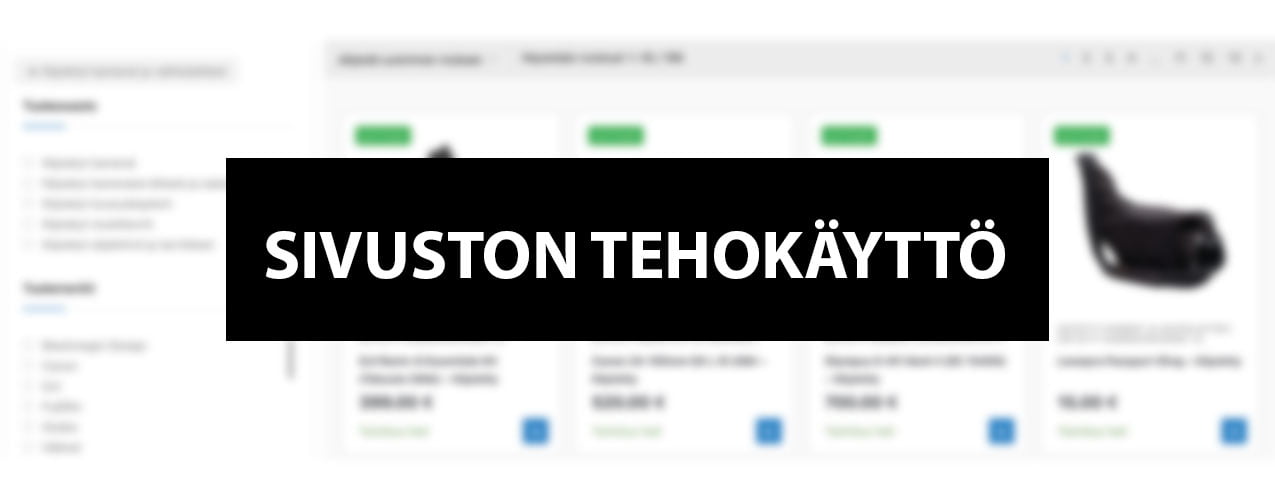
We have recently added filters to our online shop to make it easier to find products. The filters provide a simple and easy way to make truly personalised searches for products.
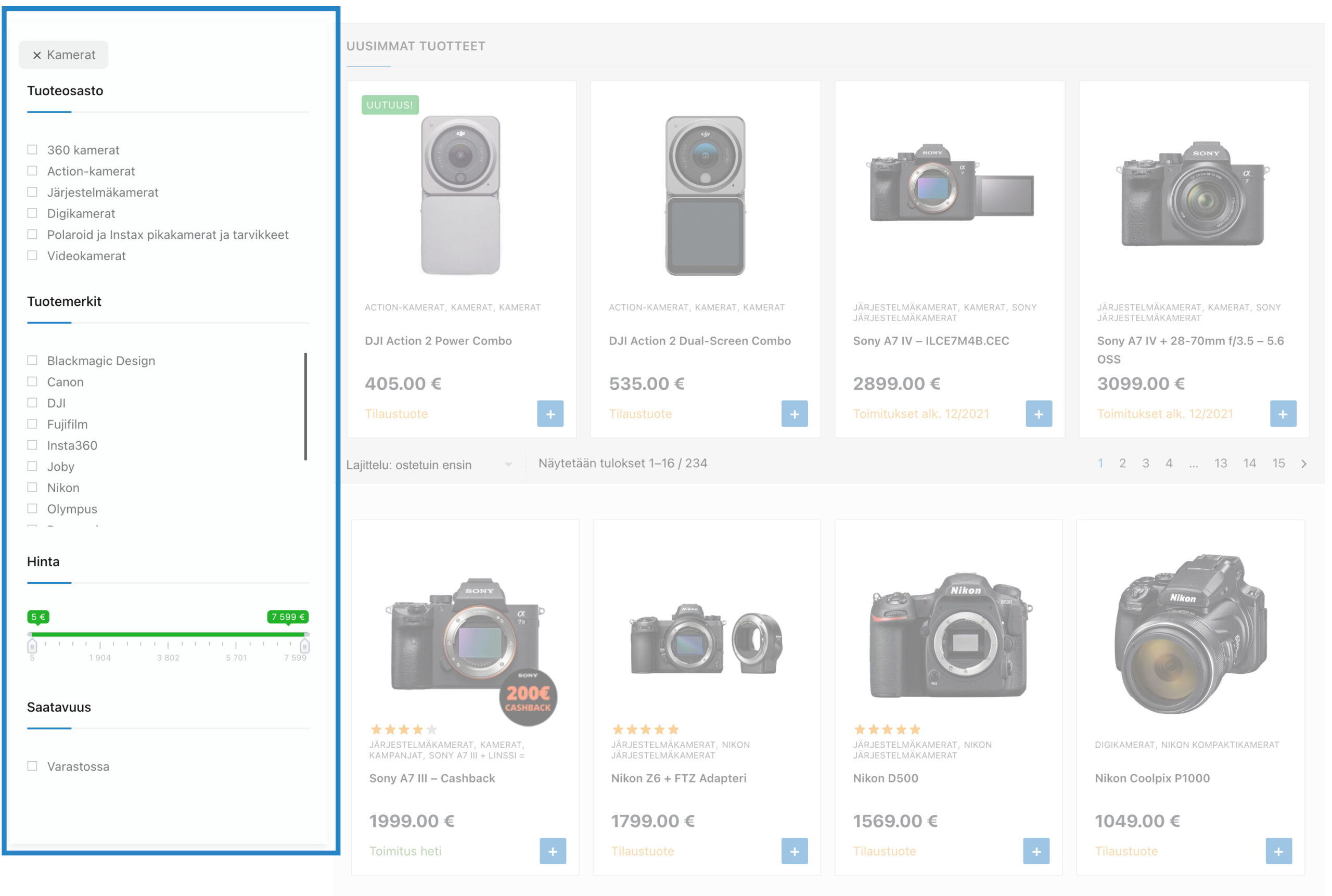
For now, you can search around the following criteria. More about these below.
The filters are always visible on the left side menu on your computer screen. Click on a filter to get filtered results. Clicking on a filter again will remove that filter. However, all old filters will still remain active.
As an example, you select Canon as the brand for the image in question. Now the system will find all products from the ”Cameras” section for you. When you deactivate the Canon label, the ”Cameras” section will still be active.
The latest filter is the much sought-after bayonet filter. Now you can easily narrow down the cameras and lenses you want by a specific bayonet. This feature also works for used products.
On mobile, the filters are hidden so that the user experience when browsing the page is not affected. Filters can be opened by clicking on the ”Show Filters” button, which can be found before the products and also at the bottom of the page after the products. All the same filters that are on your computer screen can also be found on the mobile side. The functionality is also identical.
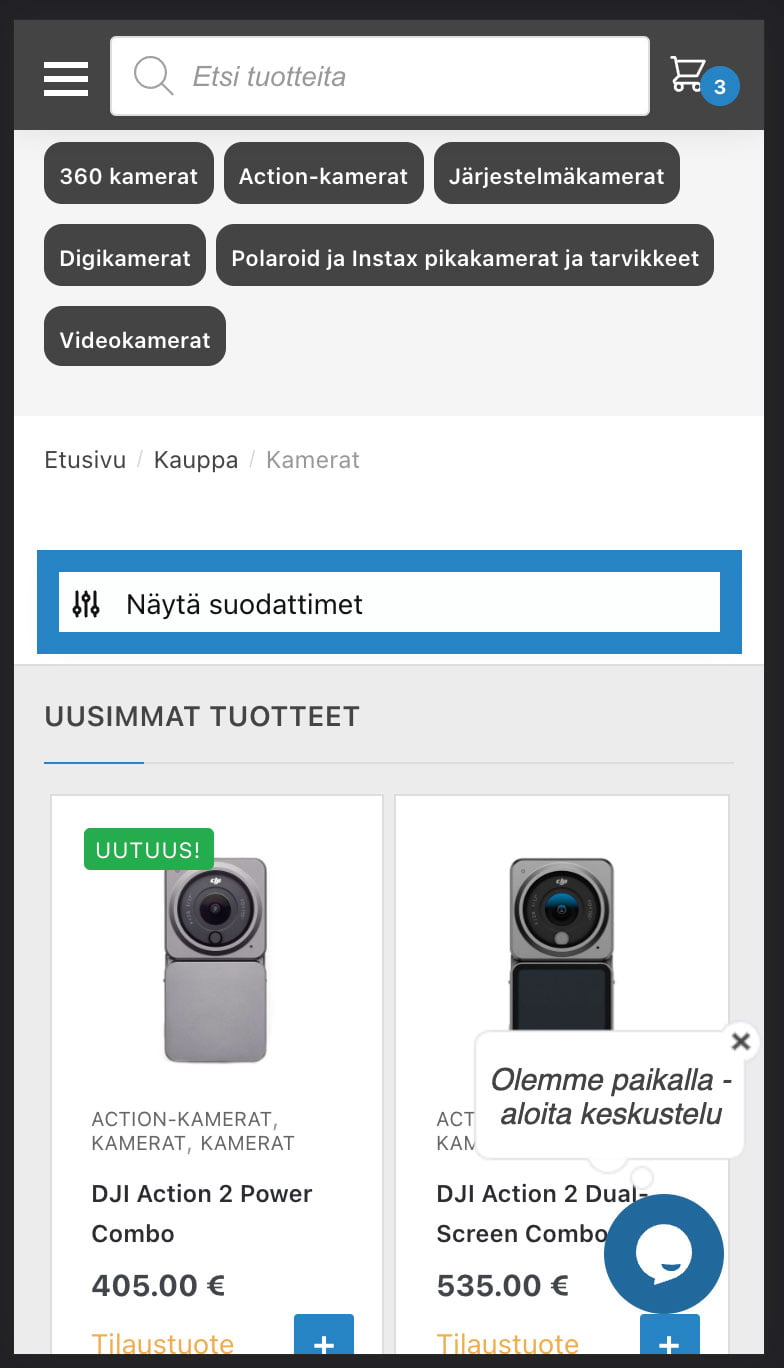
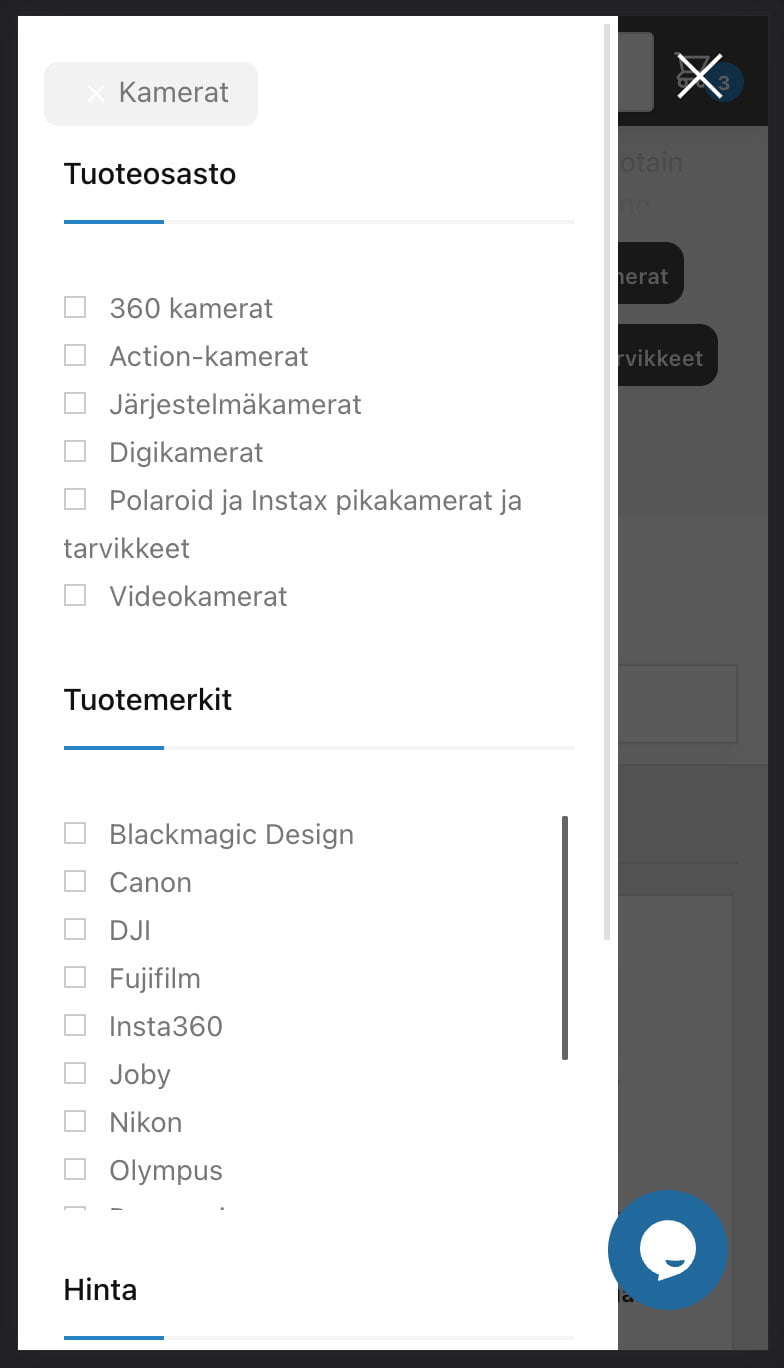
We also made an example video of using filters on mobile. This will certainly help you understand the effectiveness of these tools. In this video we go through the most typical examples.
If you have any questions about the use of filters or would like to see a filter on our website that makes it easier for you, please send us an email. info@fotomonza.com and we will add it if we think it is useful for other customers.