Kysyttävää? Soita meille 05 - 375 3220
Free delivery for orders over 1000 € / 30 days Return policy
Subtotal: 2490.40 €
Kysyttävää? Soita meille 05 - 375 3220
Free delivery for orders over 1000 € / 30 days Return policy
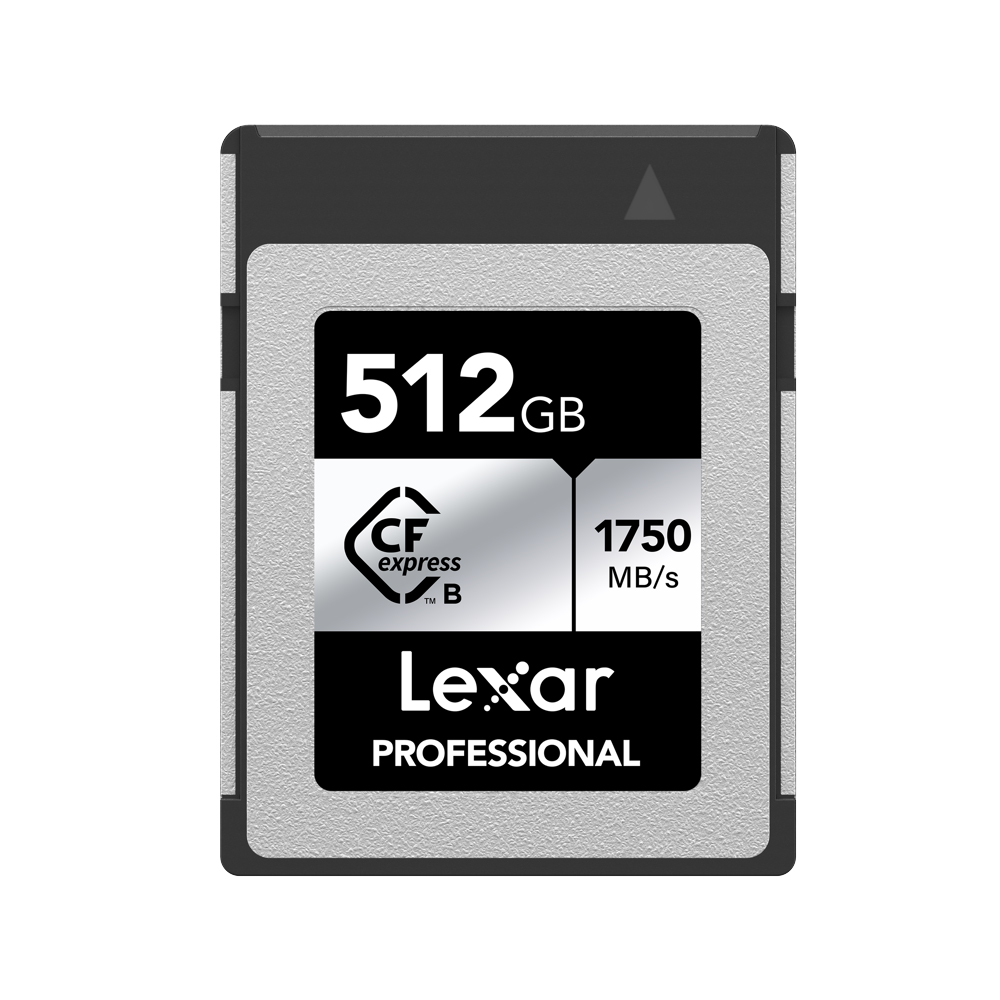
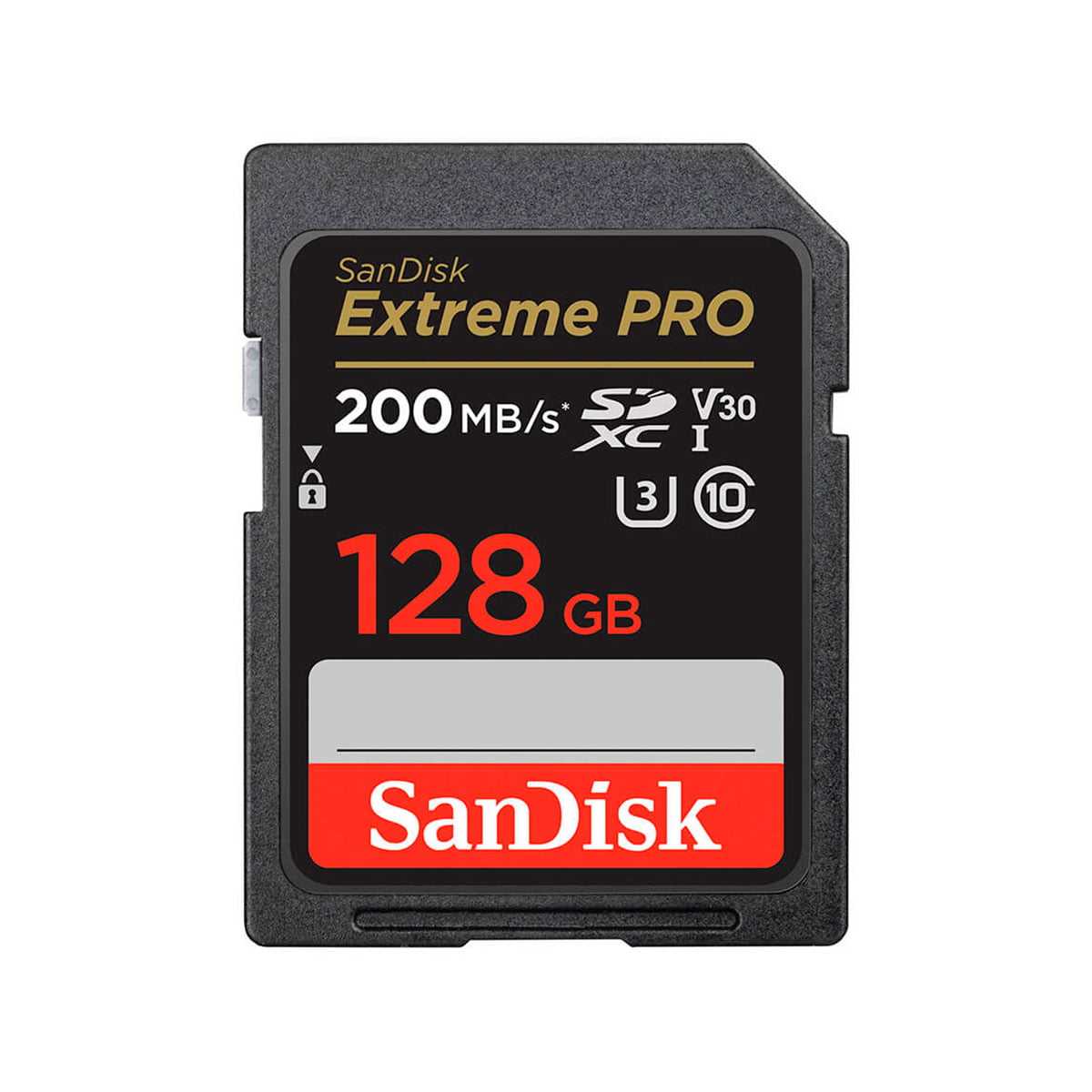
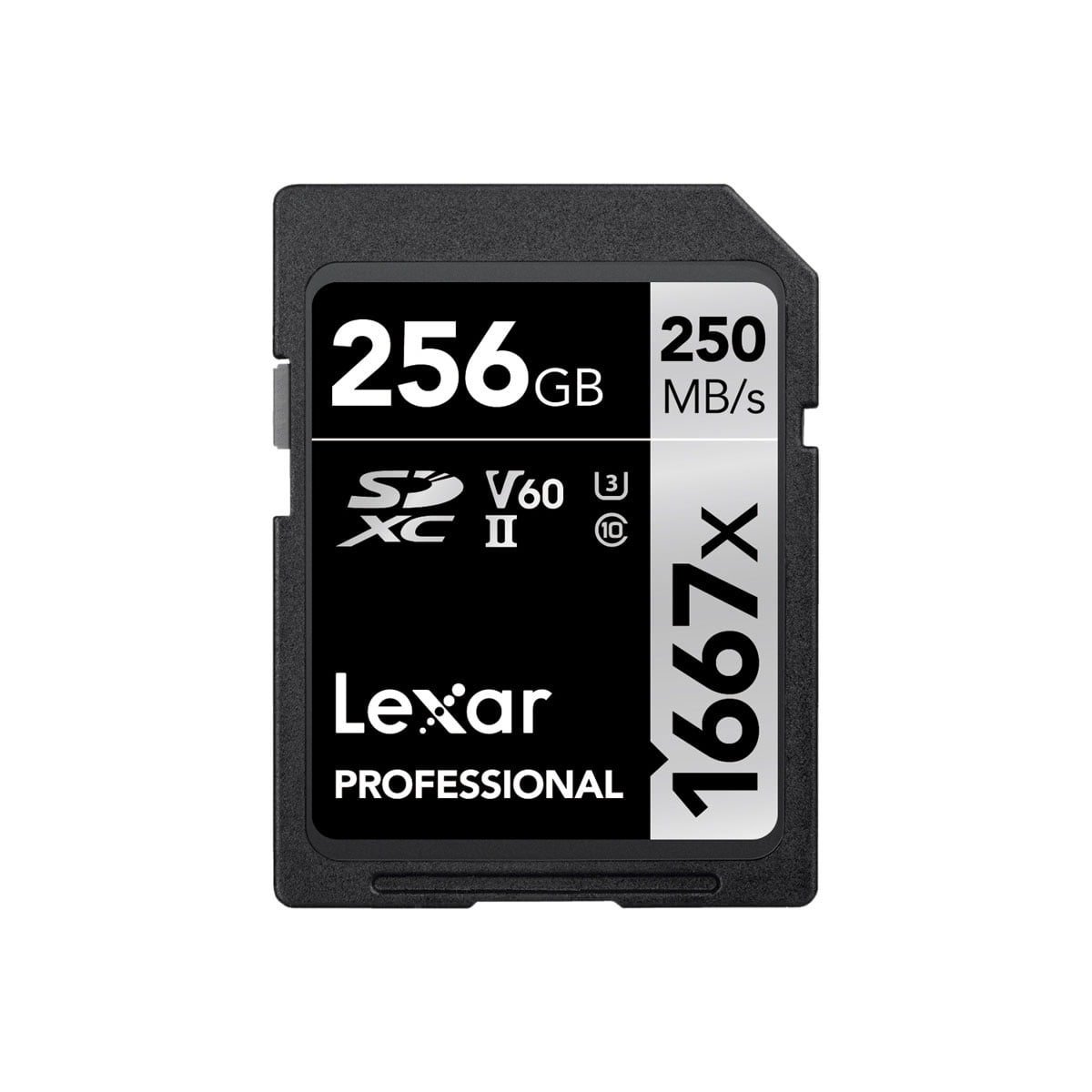
An essential accessory is definitely the memory card, which allows you to effortlessly store both your photos and videos. Its introduction opens up the possibility of transferring or viewing your recorded files on your computer, conveniently using the memory card reader. It is important to note that memory cards and card readers have a number of important features that affect their practicality.
Memory cards are available in many different models and have different technical features. It is therefore essential to ensure that the memory card you choose is fully compatible with your camera. For more information on the different features and models, please contact us by e-mail info@fotomonza.com, by phone or chat. Careful consideration of this information will ensure that you get the most out of your camera and memory card working together.
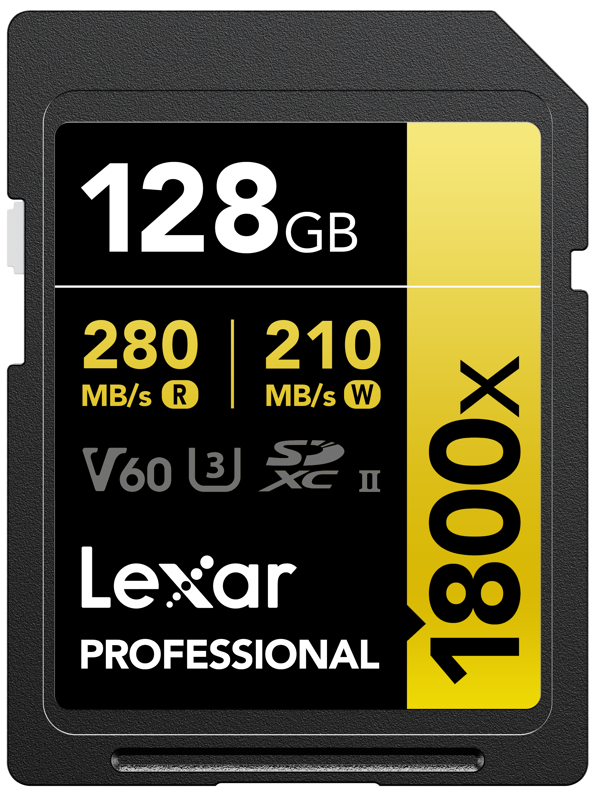
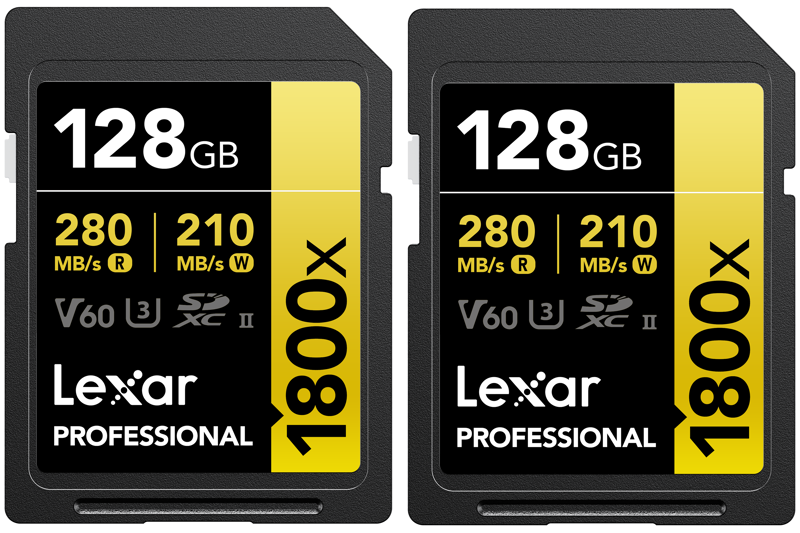
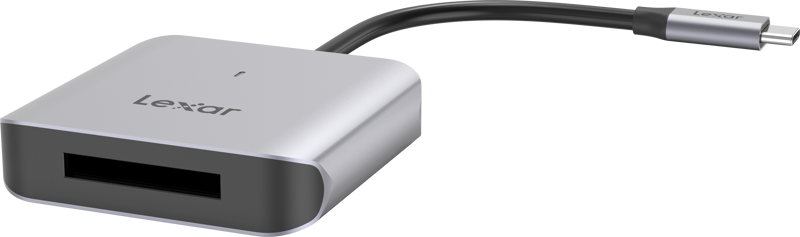

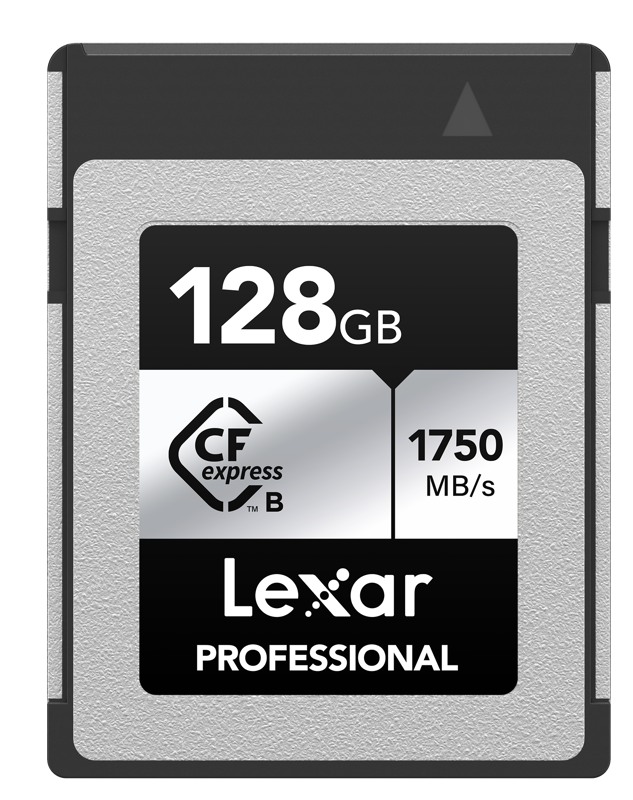
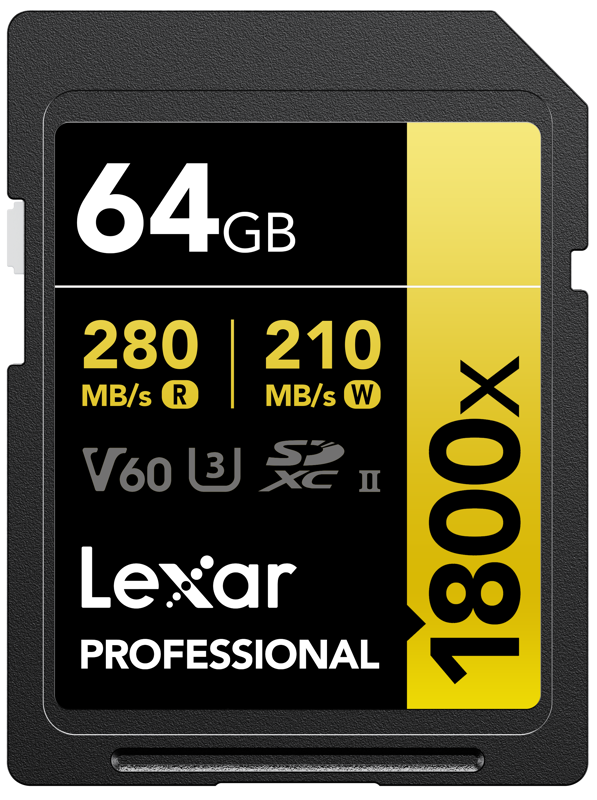
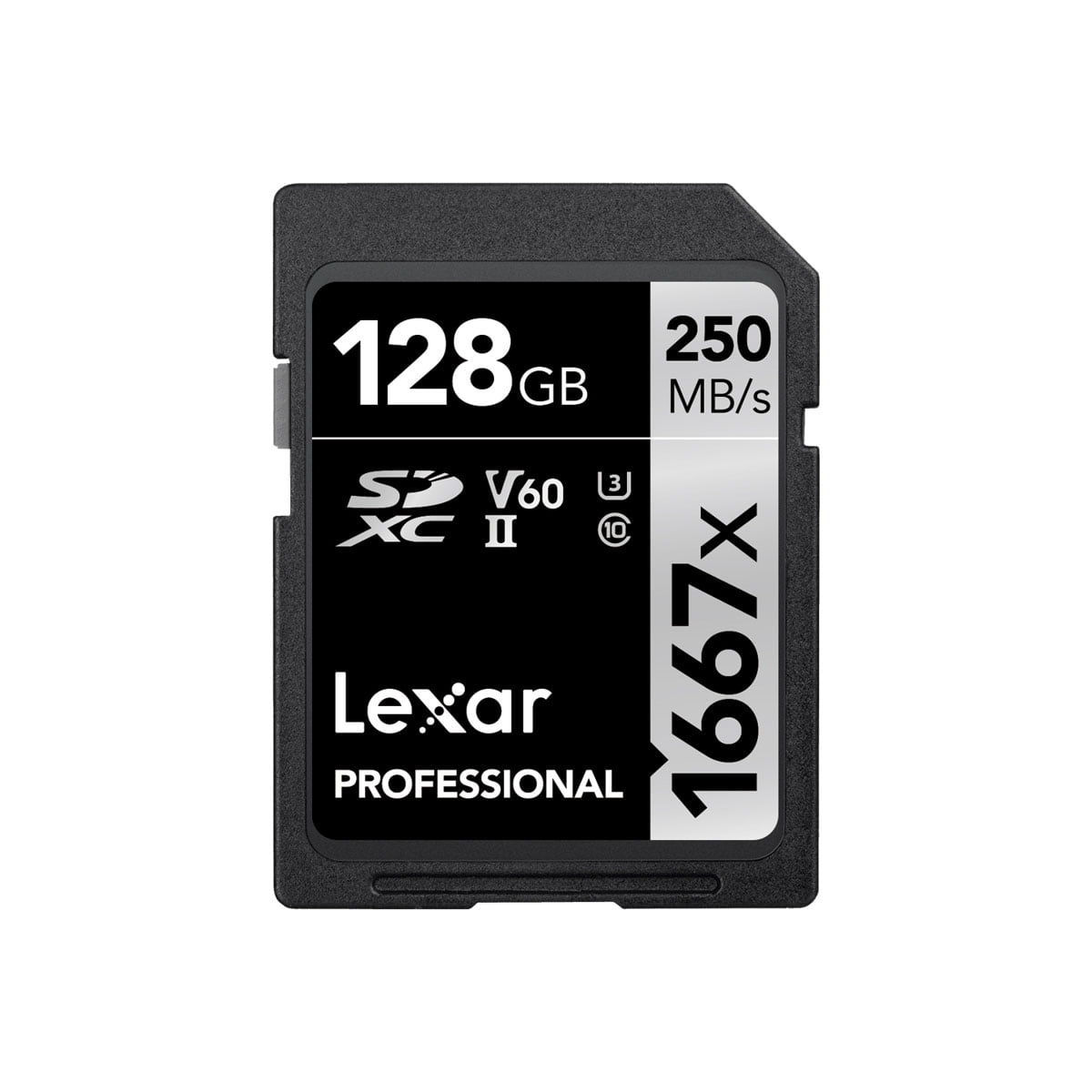
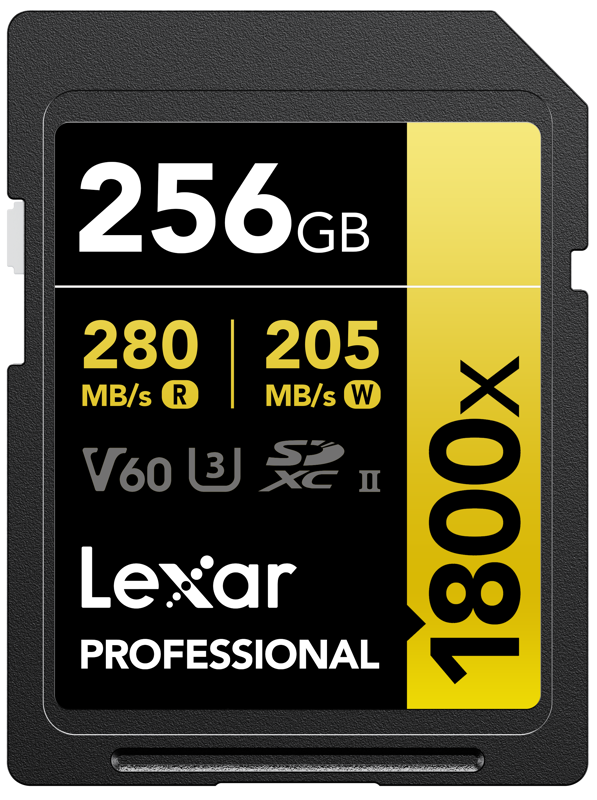
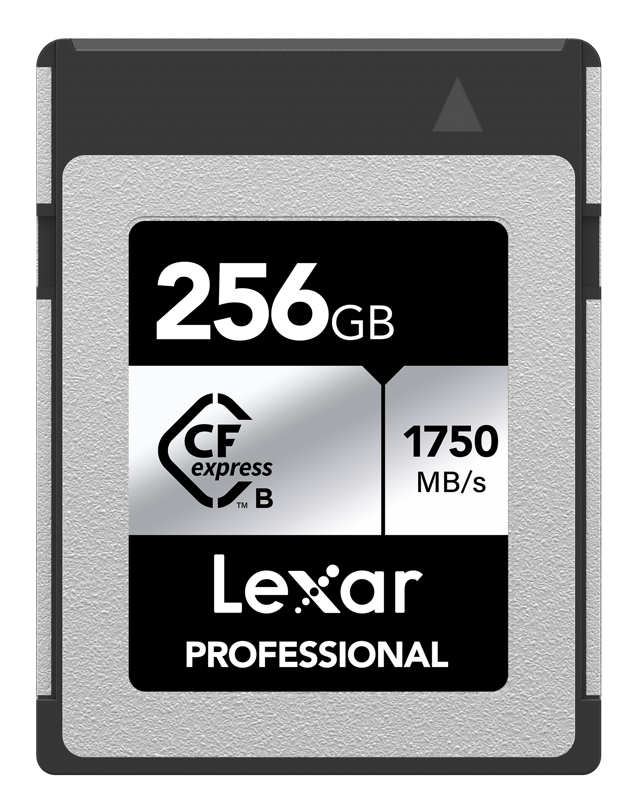
A memory card is a small device on which files are stored. To view, edit, store and share photos or videos taken with your camera, you need a device to store them on at the time of shooting. A memory card is therefore an essential item for every photographer. Memory card reader is a device that displays the contents of a memory card USB cable on your computer.
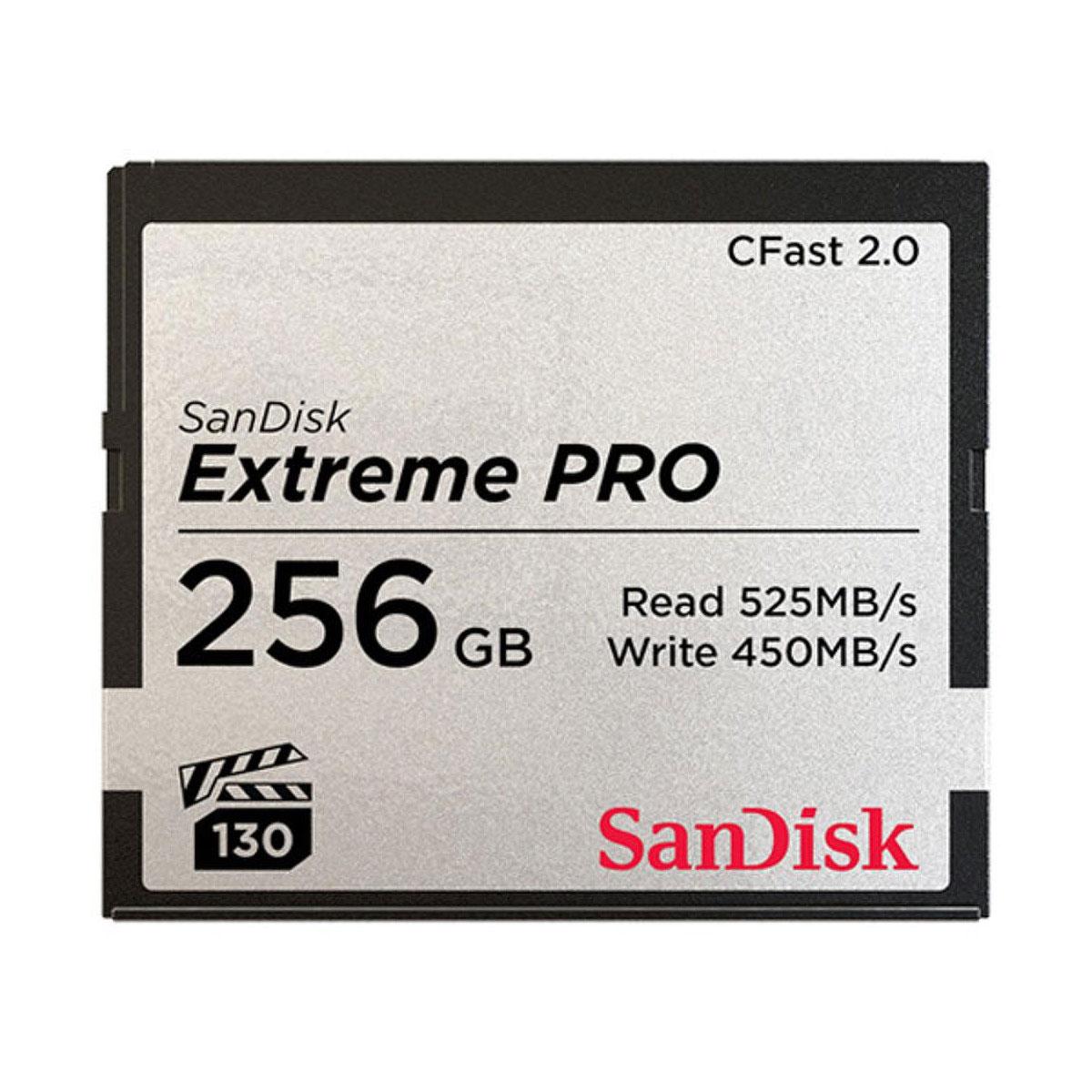
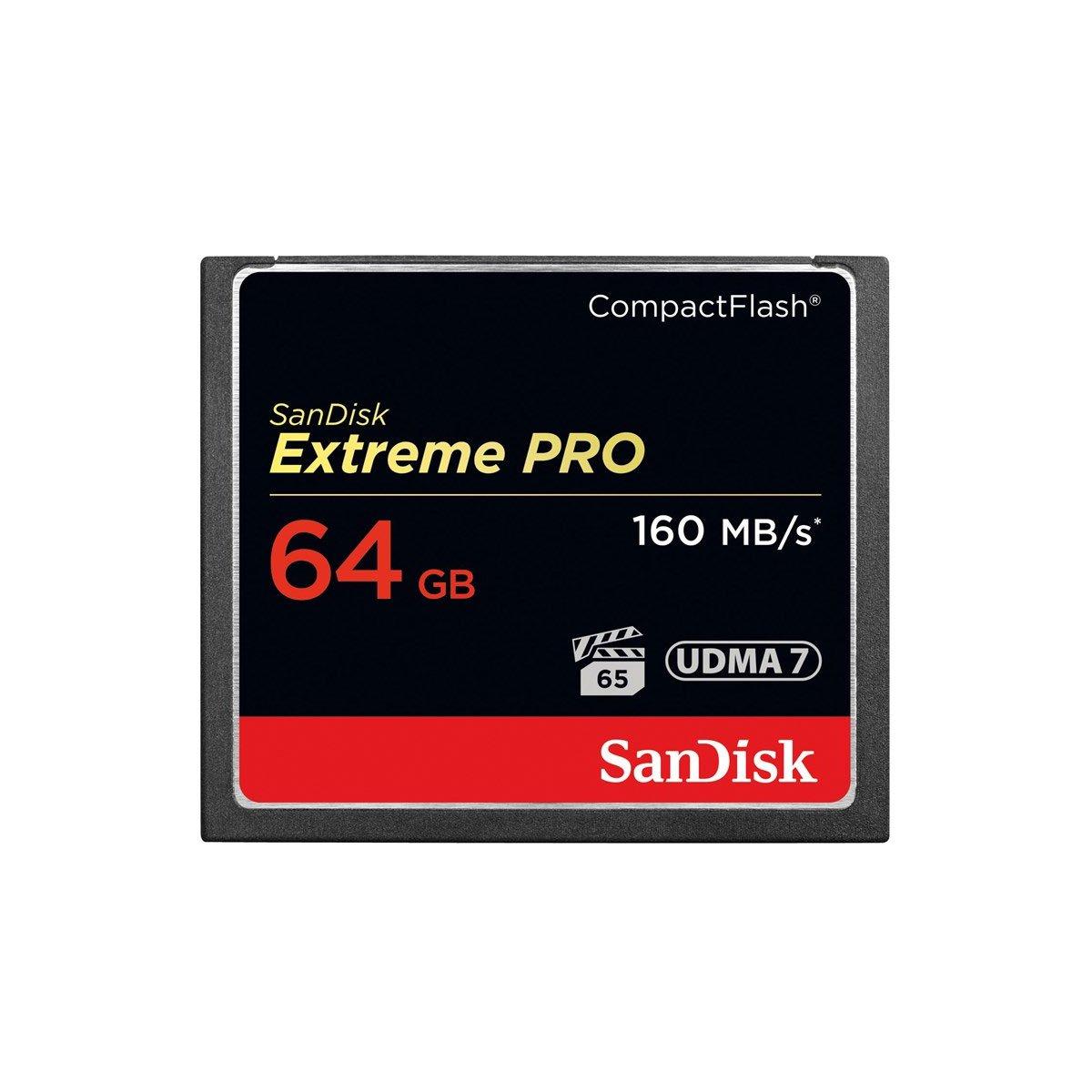
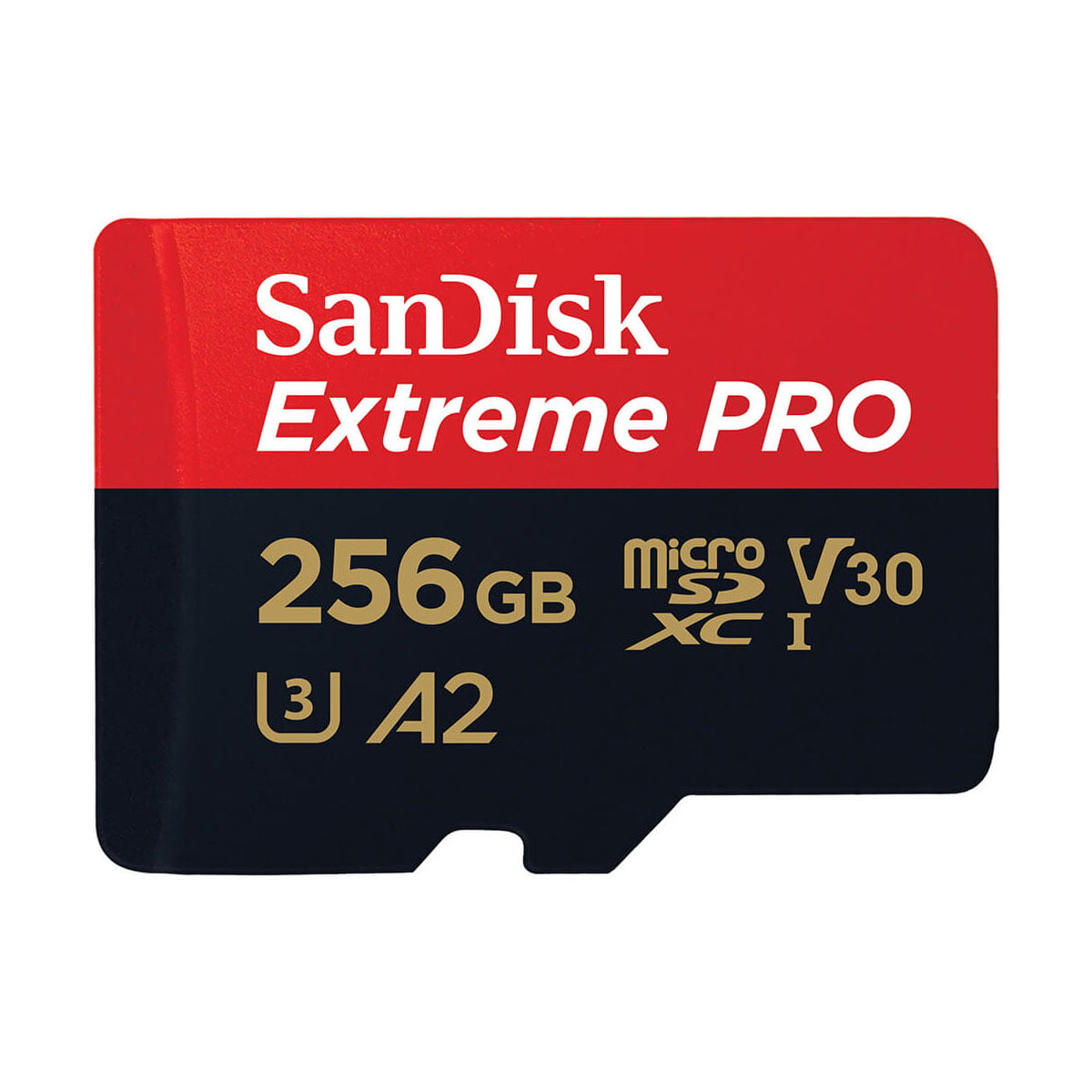
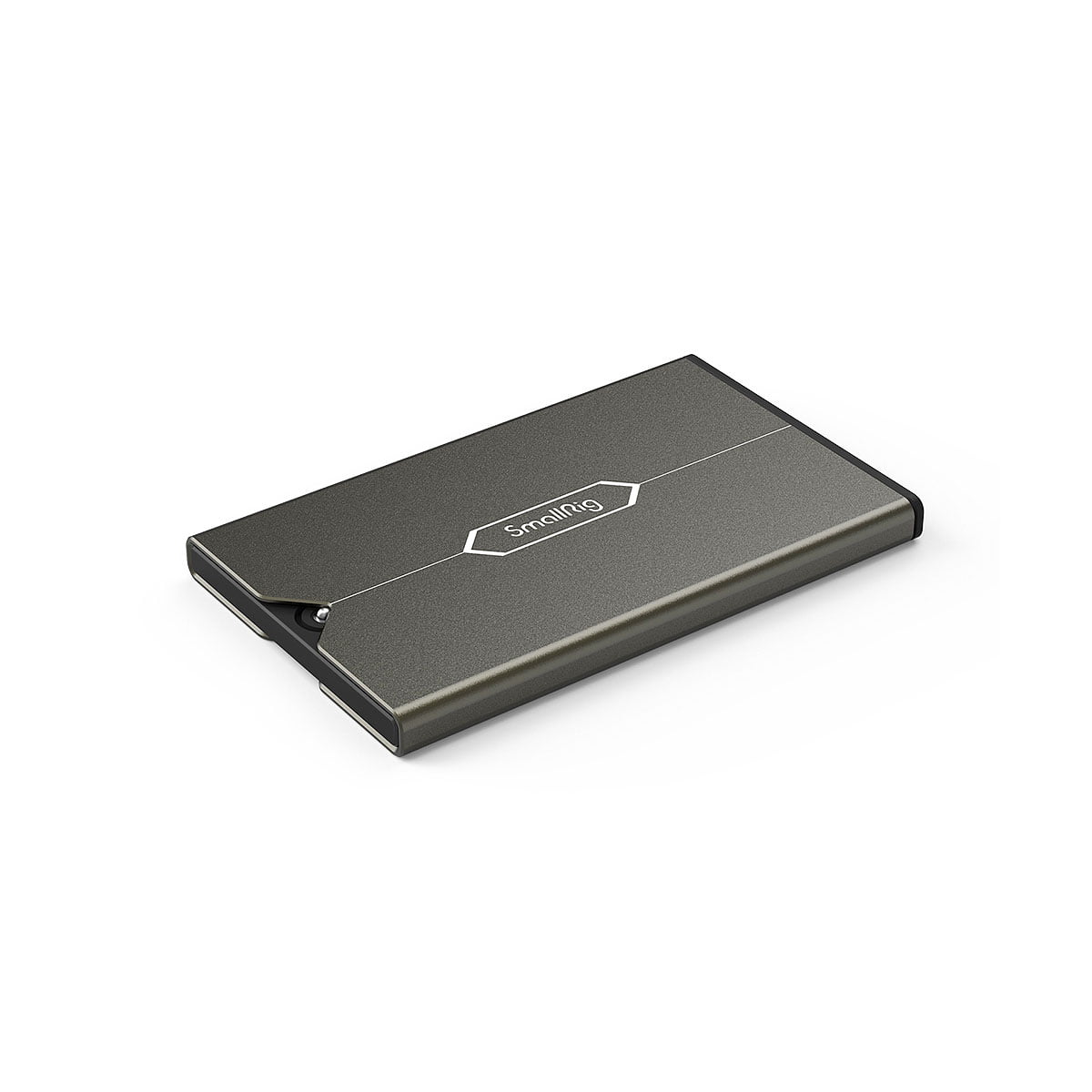
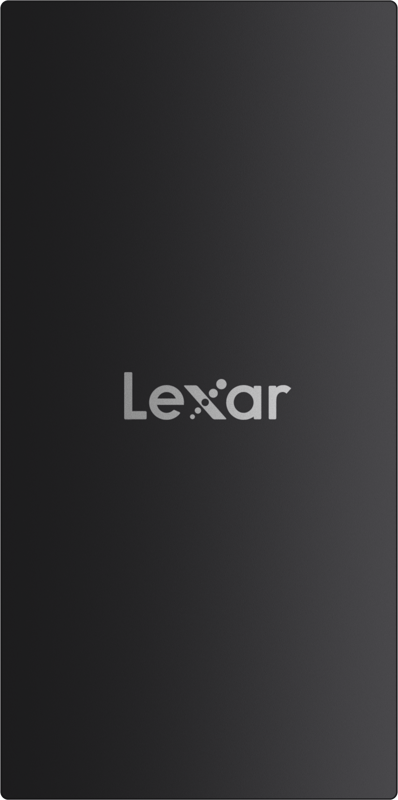
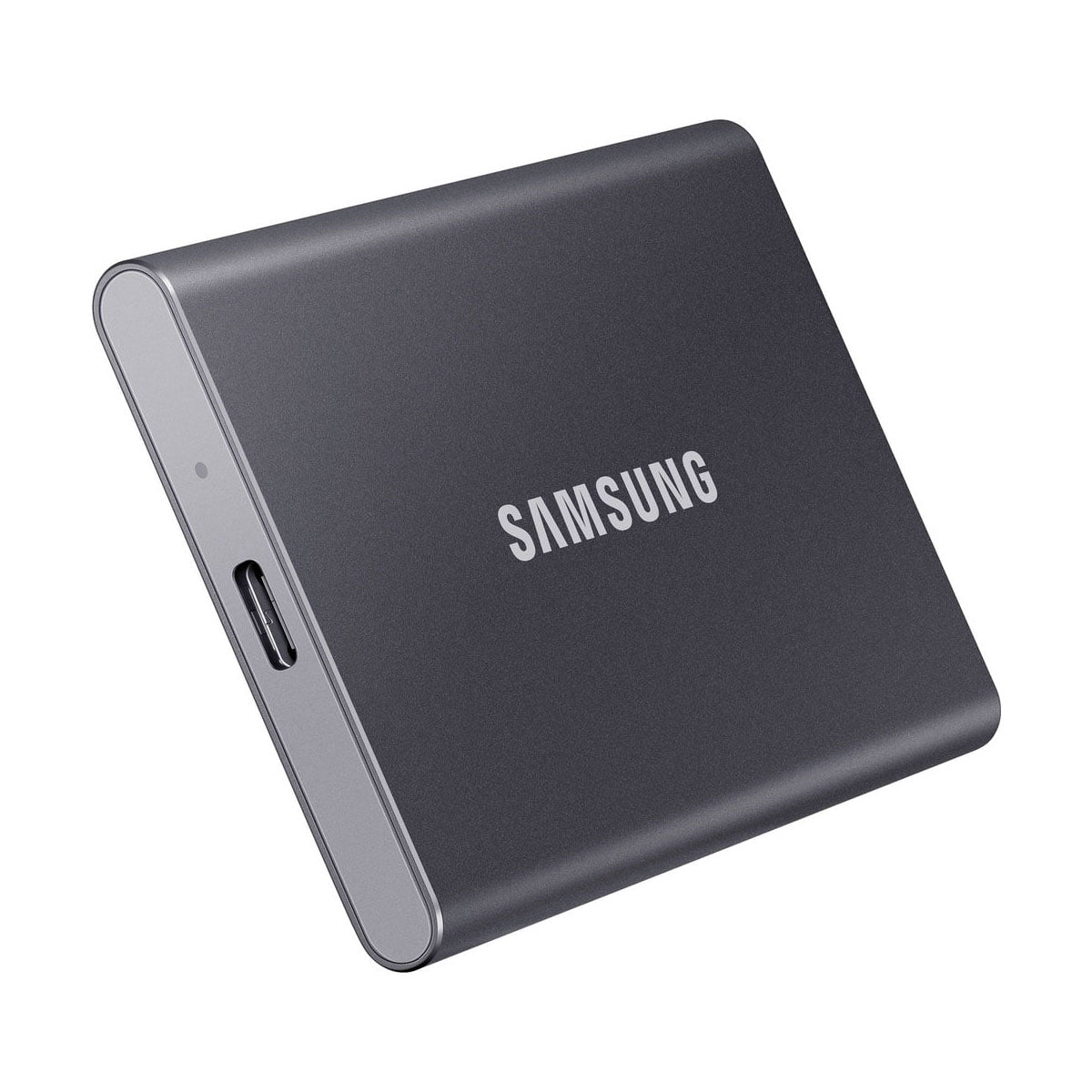
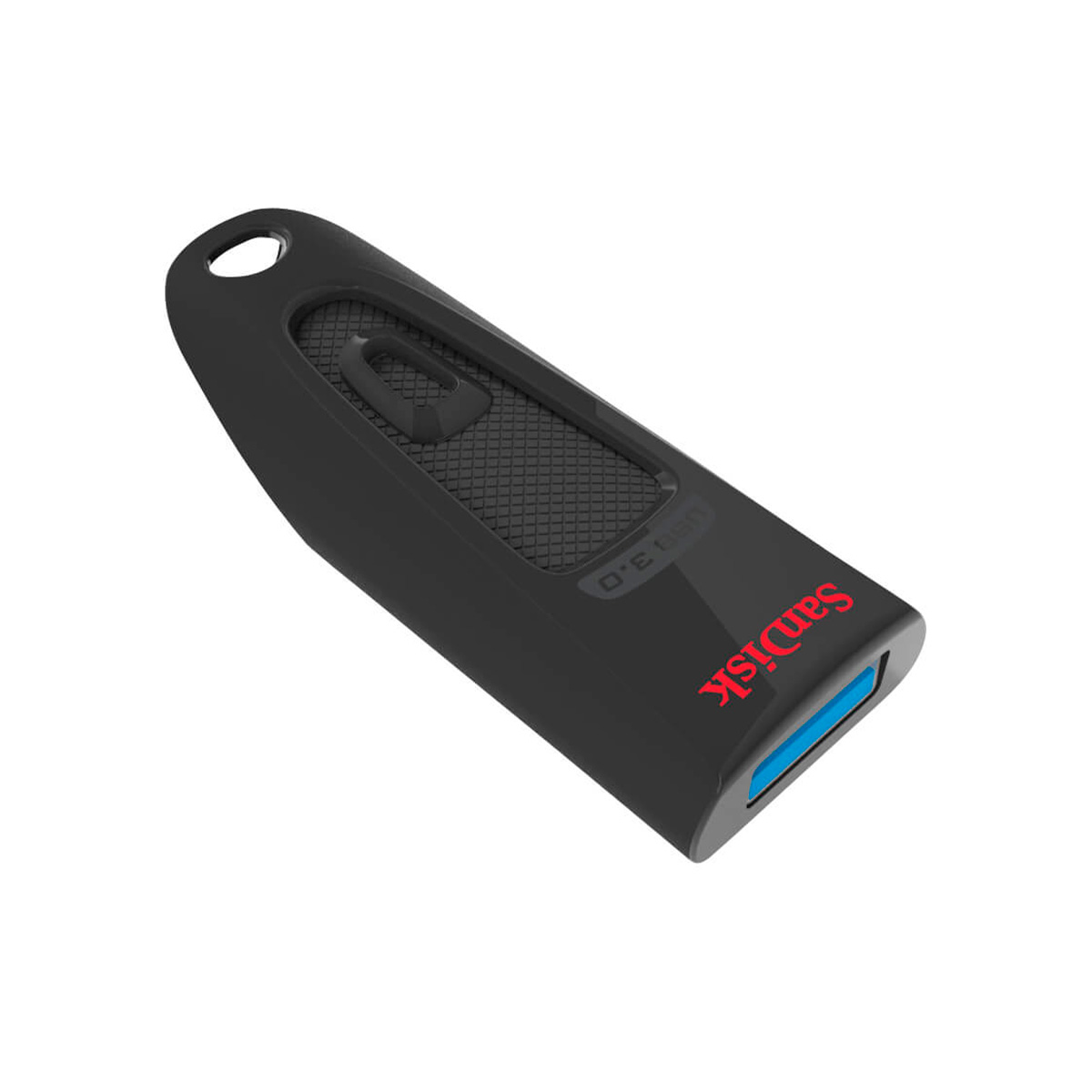
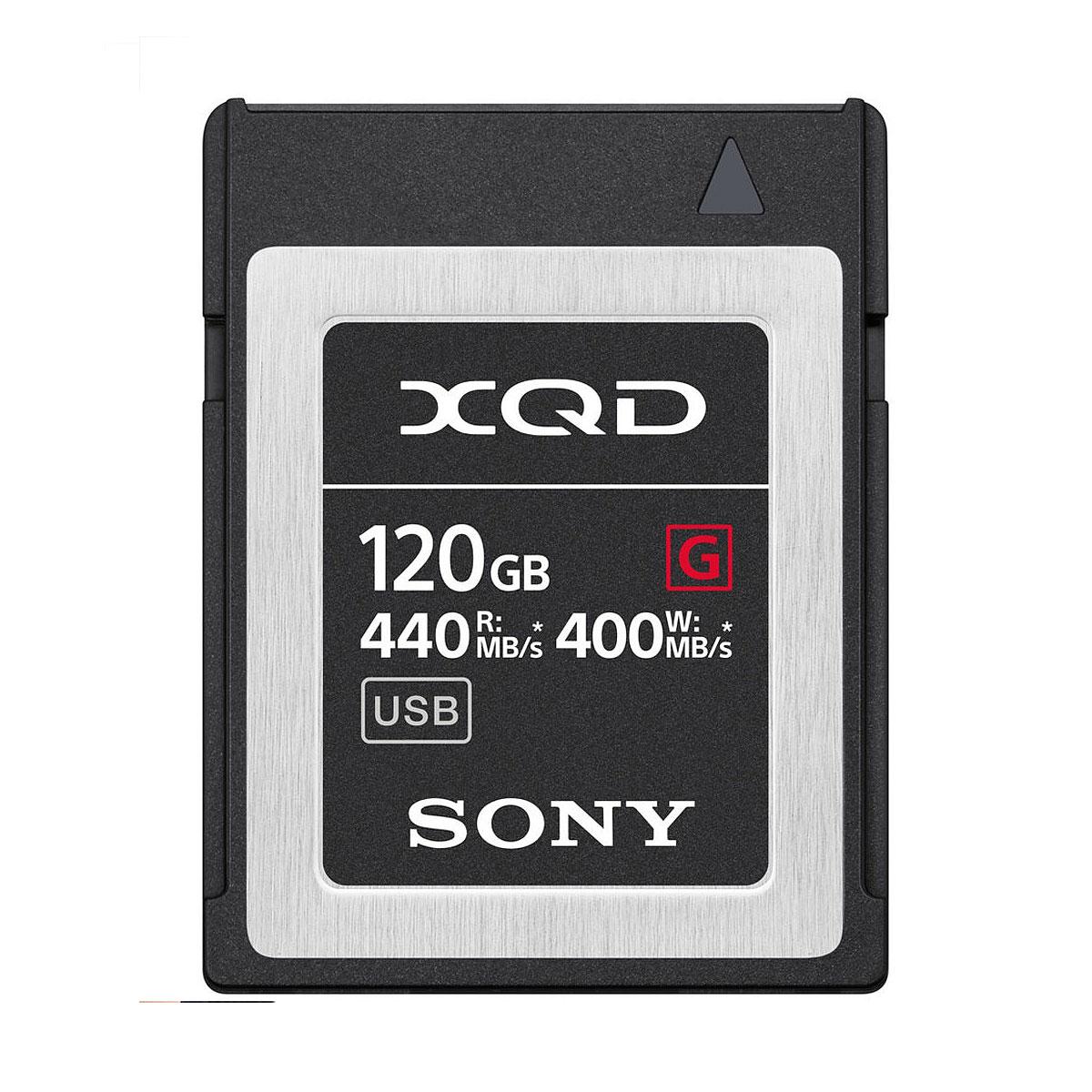
There are many different types of memory cards and other storage devices:
Memory cards and other storage devices have many different features and labels:
There are also different types of memory card readers with different features. First, make sure that the memory card you are using is compatible with the card reader. However, often card readers have several different types of card reader. card spaces, where different types of cards go. A card reader that supports many different cards is particularly handy if you have different types of memory cards.
Memory card readers are usually combined with USBto the computer or device where you want the files. Even if you have fast memory cards, the card reader's USB cable may limit the speed if it is not capable of the same speed. USB 2.0 -connector can only transfer files at around 12Mbps, so it will probably limit the read speed of your memory card. It is strongly recommended to buy at least USB 3.0 or 3.1 -connected card reader. These are capable of transfer rates of around 5Gt/s and 10Gt/s.
If you have any questions or need help finding a suitable memory card, among other storage device or card reader for selection, please post questions in the chat. You can also contact us by email info@fotomonza.com, by phone 05-3753220 or visit us on site.