
Kysyttävää? Soita meille 05 - 375 3220
Free delivery for orders over 1000 € / 30 days Return policy
Kysyttävää? Soita meille 05 - 375 3220
Free delivery for orders over 1000 € / 30 days Return policy
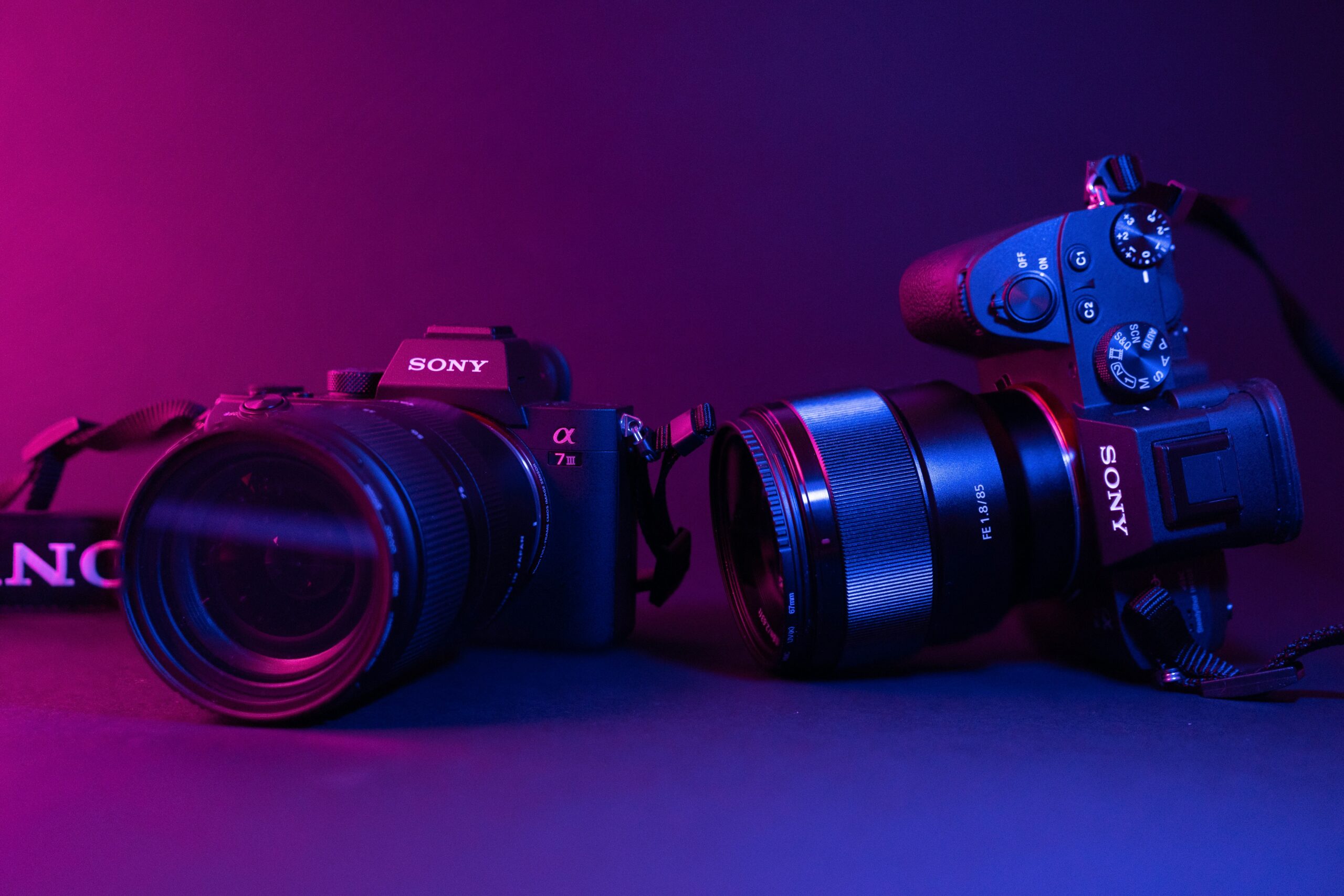
The small icons on your camera's dial, such as a picture of a human head or a mountain, are what are known as Scene Modes, handy shortcuts that automatically adjust a range of settings - such as aperture, shutter speed, focus mode and colour profile - to suit a particular shooting situation. They're a great help for beginners and situations where shooting decisions need to be made quickly. As a rule, shooting software is available for all system cameras, regardless of brand.
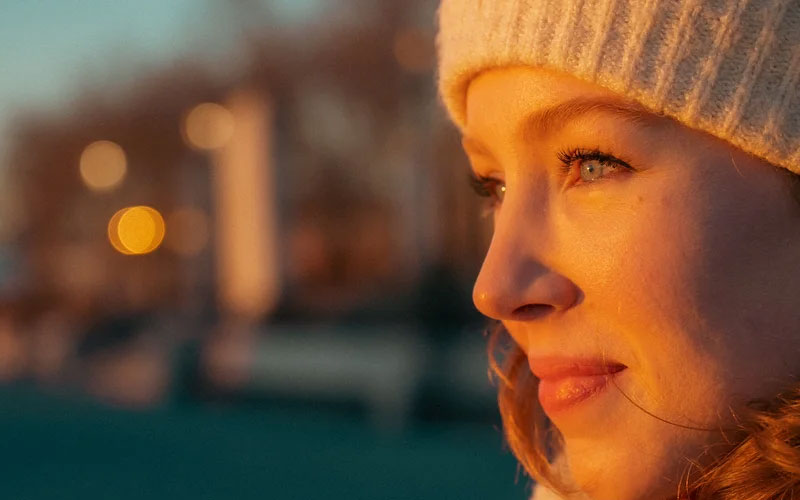
When you select a staff photo programme (usually icon of the human face), you tell the camera that the main character is a human being. In this case, the camera tries to create a professional-looking portrait by choosing a wide aperture (small f-number). This creates a short depth of field that leaves the subject sharp, but blurs the background beautifully soft (the so-called bokeh effect). A blurred background helps to separate the subject from the surroundings and draw the viewer's attention to what is important. In addition, the camera may adjust the colours and contrast to soften them so that skin tones are reproduced in the most natural and flattering way. The focus mode is usually single focus (AF-S), as the subject is usually stationary in portraits.
Landscape mode (icon of the mountains), the aim is to capture a wide view as sharp as possible, from the cliffs in the foreground to the distant trees. To achieve this, the camera chooses a small aperture (high f-number) that maximises depth of field. The focus is usually locked on the far horizon with a single focus (AF-S). In addition to the focus and aperture settings alone, the landscape mode often enhances the colours in the image. It may enhance the blue and green tones, giving the sky a deeper blue and the leaves a lighter green, making the landscape look more vivid and spectacular.
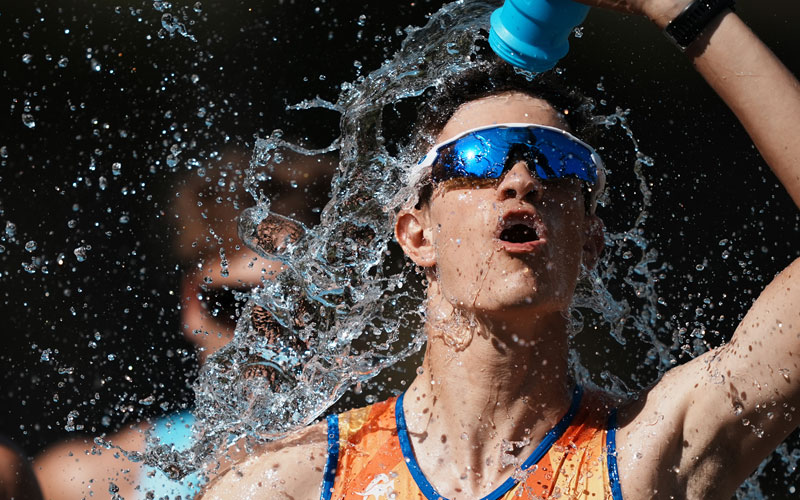
When the action picks up, it's time to turn the puck to sport mode (icon of a running character). This program is designed to stop movement. The camera automatically sets the shutter speed as fast as possible (e.g. 1/1000s or faster) to ”freeze” a fast-moving subject, such as a runner or a passing car, into a sharp image. Sports mode is the best shooting mode when you want to capture fast-moving subjects. To enable fast shutter speeds, the camera may need to increase the ISO sensitivity. Sports mode activates continuous focus (AF-C), which actively tracks the moving subject as long as the shutter-release button is pressed halfway. Often, the camera will also switch to continuous shooting mode at the same time, allowing you to take several shots per second and select the most successful one.
A close-up program that you can identify the icon of the flower, is for capturing small details such as flowers, insects or jewellery. This mode optimises the camera's focusing system to work efficiently at very short distances. Depth of field is inherently very short in macro photography, which means that only a small area is sharp at any one time. Despite the best efforts of the automation, getting the focus point just right can be a challenge. That's why this is one of the situations where relying on manual focusing often gives the best results.
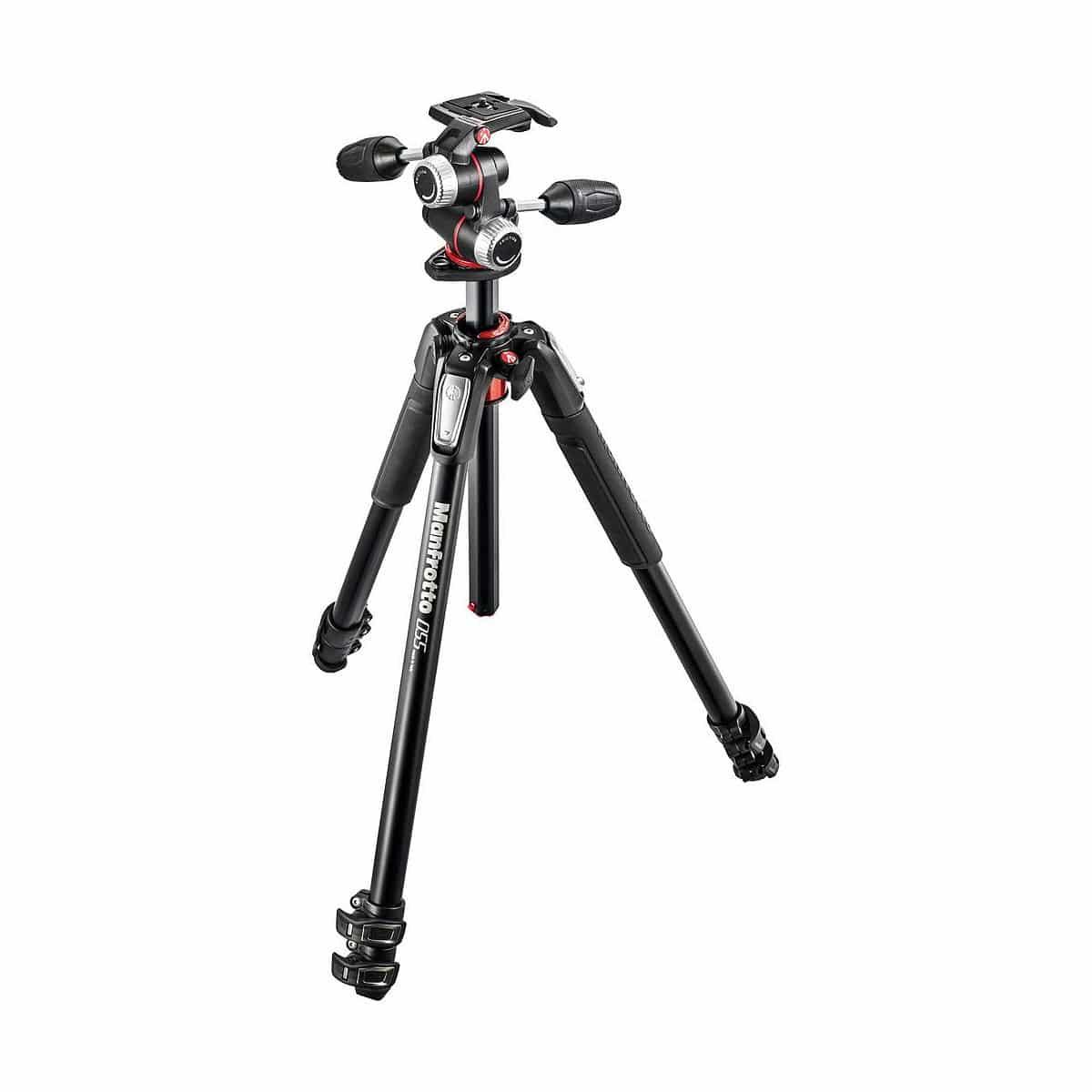
Night vision programme (icon of the stars and the moon) is the solution for shooting in low light and darkness without flash. The program uses a slow shutter speed to capture as much low light as possible, so that even a dark scene is properly exposed. Because of the long shutter speed, even a slight movement of the camera causes blur, so the use of a tripod is almost indispensable. The camera may also increase the ISO sensitivity, which can add noise to the image. Some newer cameras combat noise by taking multiple shots and combining them into one cleaner shot.